MOUNTAIN TIMES: Travel and Life in the West
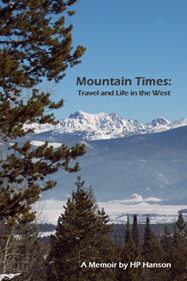
When I lived in Estes Park, in addition to looking out the living room windows at the view above, I was part of the Editorial Board of the local newspaper, the Estes Park Trail-Gazette. During this time, the editor/publisher asked me to write a regular column, and I negotiated the freedom to write about whatever I wanted to. This evolved into a twice-monthly column about all sorts of things, including, in particular, travel in Colorado and neighboring states. I've since compiled those columns, and some others as well, into a memoir, and it's available here as an .epub file for Kindle devices and the Kindle app.
|
Mountain Times: Travel and Life in the West [for Kindle] (Download and then e-mail it to your Kindle device or the device with Kindle software--Instructions follow) Each Kindle device or app has a unique e-mail address. To send a book to it, you need to know that address and to tell the device or app that email from your sending address is approved.
|
